Inventory & Stock Management Software for Complete Warehouse Visibility
Centralized stock visibility, AI-powered replenishment, warehouse transfers, batch and expiry tracking, and stock count reconciliation, all built for pan-India distribution and multi-warehouse operations.
✨ See what AI actually does →Book a Free Demo
| Warehouse | Sellable Stock | Transit Stock | Low-Stock SKUs |
|---|---|---|---|
| Gurugram DC | 12,480 units | 640 units | 0 |
| Bengaluru Hub | 8,210 units | 310 units | 2 SKUs |
| Mumbai FC | 15,960 units | 0 units | 0 |
Conversational stock and order lookups on web and mobile, with auto replenishment and FIFO/FEFO batch allocation working in the background.
Current stock availability across warehouses and distributors, with transit stock tracked separately until GRN acceptance and retailer stock counted on field visits.
| Warehouse | SKU | Sellable Stock | Transit Stock | Status |
|---|---|---|---|---|
| Gurugram DC | SKU-2287 | 1,185 | 0 | In Stock |
| Bengaluru Hub | SKU-4410 | 38 | 190 | Low Stock |
| Mumbai FC | SKU-2299 | 3,410 | 0 | In Stock |
Move stock between warehouses with a full audit trail, including manager sign-off for high-value transfers.
| Transfer ID | From | To | SKU | Qty | Status |
|---|---|---|---|---|---|
| TRF-3301 | Gurugram DC | Bengaluru Hub | SKU-2299 | 500 | Completed |
| TRF-3299 | Mumbai FC | Gurugram DC | SKU-2287 | 1,200 | Completed |
Batch-wise stock visibility, with batches allocated by FEFO, FIFO or LIFO automatically, or by manual selection, as the business sets, to improve rotation and reduce expiry-related losses.
| Batch No. | SKU | Warehouse | Expiry | Qty | Status |
|---|---|---|---|---|---|
| BT-2291 | SKU-4410 | Bengaluru Hub | 12 Dec | 38 | Available |
| BT-2278 | SKU-2287 | Mumbai FC | 28 Nov | 220 | Nearing Expiry |
Per-SKU minimum stock thresholds trigger replenishment orders automatically, with distributor and super stockist orders each set to auto-approve or to wait for approval.
| SKU | Distributor | Current Stock | Min Threshold | Status |
|---|---|---|---|---|
| SKU-4410 | Sharma Traders | 42 | 50 | Replenishment Triggered |
| SKU-2287 | Metro Distributors | 410 | 150 | Above Threshold |
Correct mismatches between physical and system stock with stock counts and inventory adjustments, every change kept in the stock movement ledger.
| Count ID | Warehouse | SKU | System Qty | Counted Qty | Result |
|---|---|---|---|---|---|
| SC-118 | Gurugram DC | SKU-2287 | 1,200 | 1,185 | Adjusted |
| SC-117 | Mumbai FC | SKU-4410 | 640 | 640 | No Change |
Stock Summary, Stock by Warehouse, Stock Movement History, Stock Inward (GRN), Stock Outward, Stock Traceability and Stock Aging reports, filterable and exportable.
| Report | Filters | Action |
|---|---|---|
| Stock Movement History | Warehouse, SKU, Date | Export |
| Stock Traceability | SKU, Batch | Export |
| Stock Aging | Warehouse, SKU | Export |





Stock Data, Tracked as One Continuous Flow
From stock-in and GRN acceptance to a reconciled inventory report, every movement stays connected and visible.
Stock-In & GRN Sync
CSV upload or manual entryWarehouse Allocation & Transfers
FIFO, LIFO or FEFOSellable & Transit Stock Tracking
Current stock levelsAutomated Replenishment
Threshold-triggeredReconciliation & Reports
26+ report typesReal Apps, Real Reviews
Available on Google Play and the App Store: live listings, not screenshots.

1Channel



1Channel DMS

1Channel CRM

1View
Built for How Inventory Actually Moves
Key features & benefits: drag or use the arrows to see all 16.
Centralized Stock Visibility
Track sellable stock, stock value, and availability across warehouses and distributors, with retailer stock counts from field visits, in one inventory control system.
Order-Time Stock Checks
Every order is checked for stock, schemes, pricing and credit before it's confirmed, and reps see the distributor's stock per SKU while ordering.
Transit Stock Management
Monitor stock dispatched but not yet received through transit inventory tracking workflows, until GRN acceptance closes the loop.
Stock Status Classes
Available, Reserved, Damaged, Quality Hold and In-Transit stock, with non-sellable stock kept out of bookings.
Warehouse Transfer Management
Move inventory between warehouses while maintaining accurate stock movement tracking and a complete audit history.
Batch & Expiry Tracking
Enable batch-wise inventory management with configurable FEFO, FIFO or LIFO allocation for improved stock rotation and reduced wastage.
Automated Replenishment
Configure minimum stock levels and trigger automatic replenishment orders with configurable approval mechanisms when thresholds are reached.
Flexible Inventory Allocation
Support FIFO, FEFO, LIFO, or manual stock allocation, with the default and enabled modes configured per operational requirement.
Multi-Level Inventory Operations
Manage inventory across company, super stockist, distributor, and retailer hierarchies with role-based visibility and approvals.
Stock Reconciliation
Resolve inventory mismatches through stock counts and adjustments, with every stock change kept in the movement ledger.
Product Hierarchy & SKU Management
Organize inventory through Brand → Category → Product → SKU structure, with unit conversion for box-to-piece and similar calculations.
Serial Number & Warranty Tracking
SKUs can be batch, expiry or serial-number tracked, and serialized units are followed from warehouse to dealer to end customer, with warranty captured at sale.
GRN-Based Inventory Updates
Inventory automatically updates when stock is received and accepted through GRN workflows, keeping records in sync.
Returns & Credit Notes
Returns at every level of the chain, with damage reasons and credit notes generated automatically on approval.
Enterprise Reporting & Analytics
Access inventory reports, movement history, stock summaries, and operational analytics with Excel export and custom filters.
Workflow Automation & Support
Up to 7-level approval chains across orders, pricing, credit, returns, GRN and schemes, plus complete onboarding, training, and ongoing support.
Where AI Actually Touches Your Inventory, Not Where We Wish It Did
We'd rather show exactly what the AI does than oversell it. Here's what's real today, across the AI-Powered DMS and the wider 1Channel platform:
- 💬AI Assistant, conversational stock and order lookupsAsk in plain language, for example "Show low stock products" or "Show pending orders", on web and mobile.
- ⚙️Auto replenishmentWhen stock falls below its per-SKU minimum threshold, a replenishment order is placed automatically, approved straight away or held for approval.
- 📦FIFO/FEFO stock allocationBatches are allocated automatically by the mode the business sets, such as earliest expiry first, reducing expiry-related wastage.
- 🧾Automatic order validationEvery order checks stock availability, schemes, pricing and credit limit before it's confirmed.
- 📥GRN discrepancy detectionWhen the received quantity differs from the invoice quantity, the GRN is flagged and the higher-level entity is notified.
- 🔔AI stock-out alertsProactive nudges when stock runs low at stores, for example "stock running low at 4 stores, reorder before end of day".
See every 1Channel AI capability, including Catalyst, which reviews sales, visit and stock data and gives managers a plain-language coaching report.
Inventory & Stock Management Insights, Straight from the Field

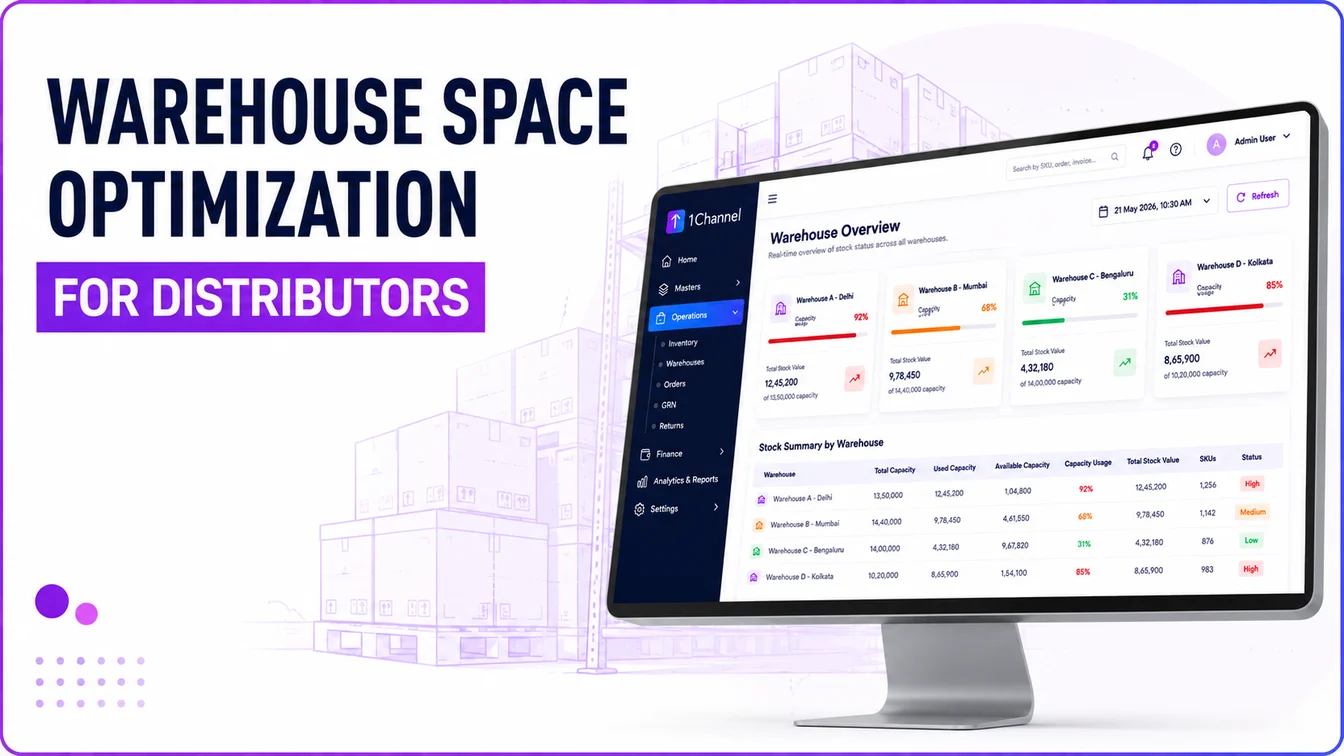
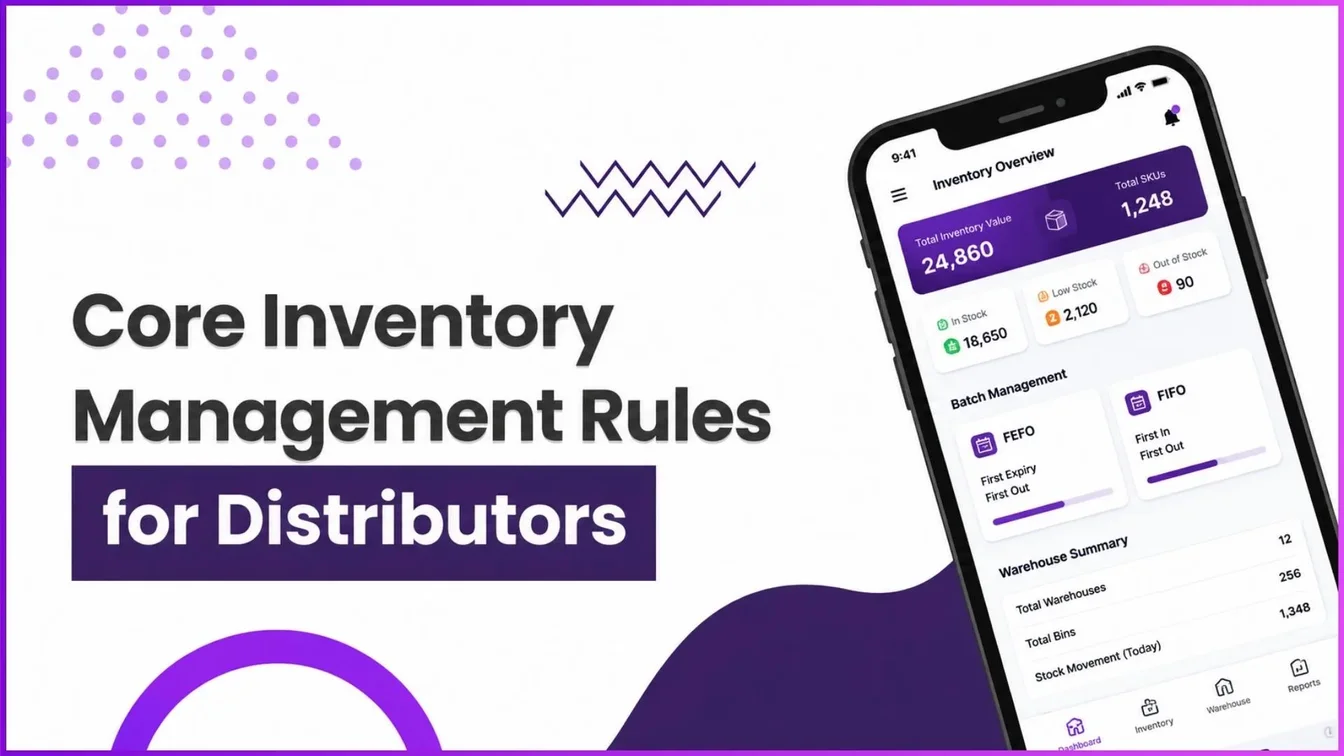


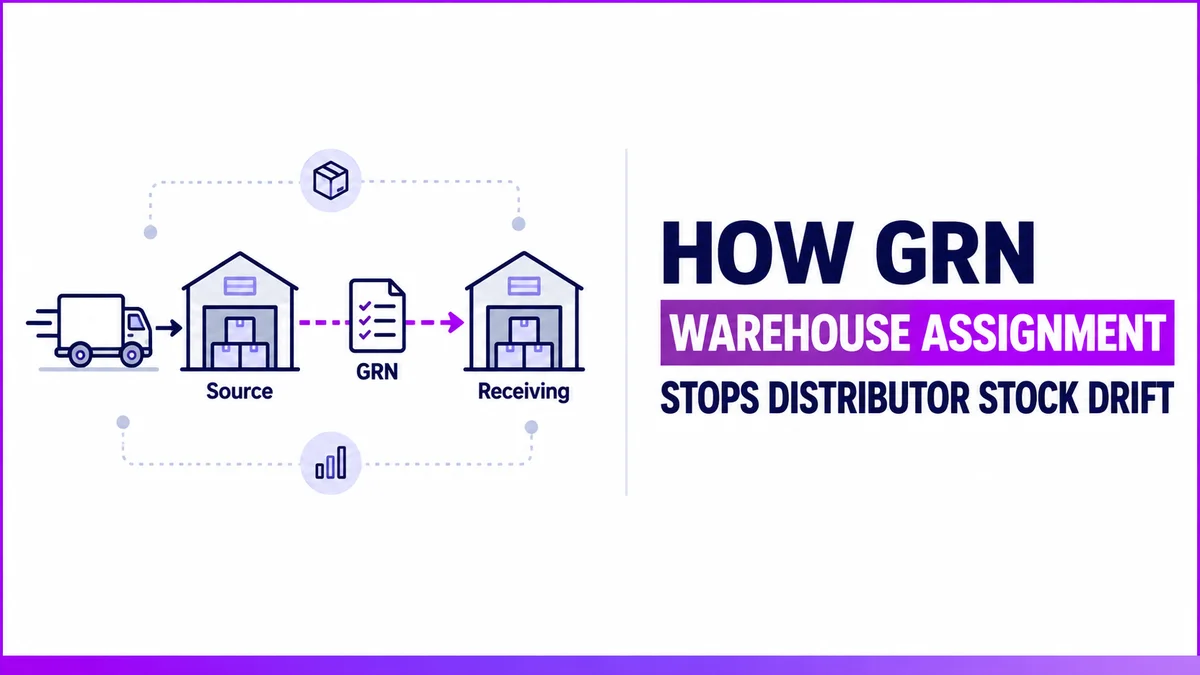
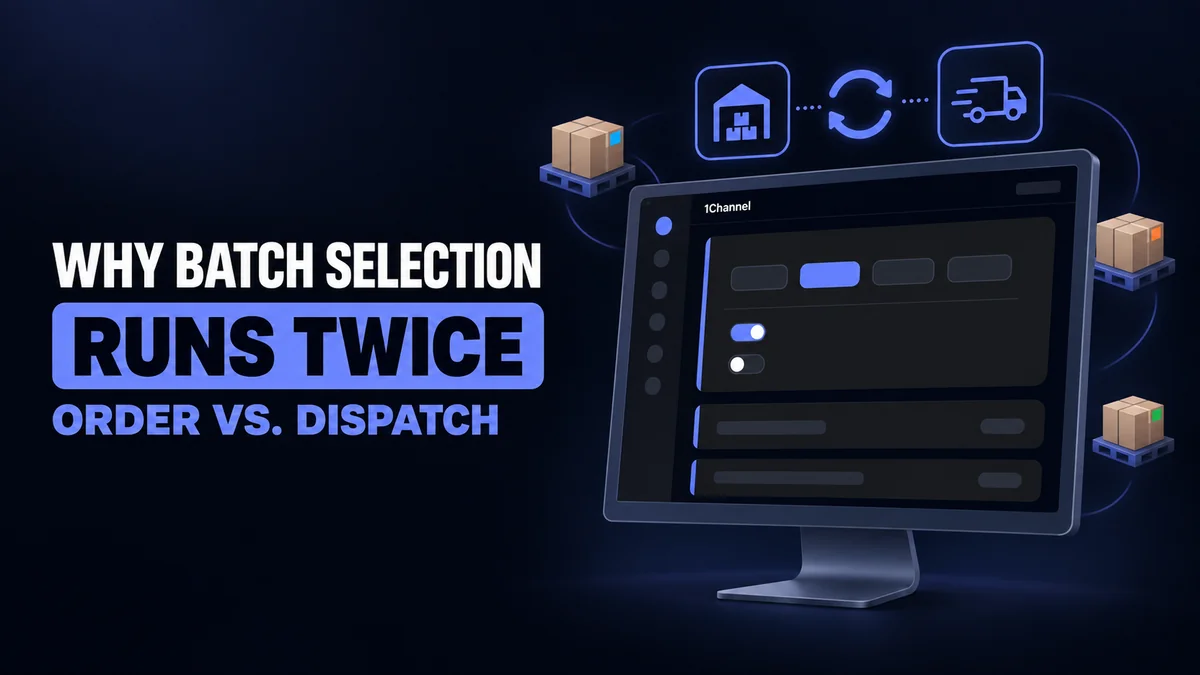

Go Deeper Into Every Module
How stock actually moves through the system, from GRN acceptance to a reconciled report. It connects directly to distributor management, warehouse management, batch & expiry, and GRN & inward management.
Warehouse & Transfer Management
Inventory is organized through a Brand → Category → Product → SKU hierarchy, with unit conversions configured for box-to-piece or packet-to-unit calculations. Multiple warehouses can be mapped to operational entities, and stock transfers between them are recorded with a full audit trail.
How It Works
- Organize products through Brand → Category → Product → SKU structure
- Support decimal quantities and configurable unit structures where operationally required
- Configure warehouses and map inventory to operational entities
- Initiate transfers between warehouses with quantity-level visibility
- Inventory auto-updates when stock is received and accepted via GRN
- Multi-status stock (Available, Reserved, Damaged, Quality Hold, In-Transit), with non-sellable stock kept out of bookings
- Field reps record retailer stock counts by SKU on outlet visits
Why It Matters
- SKU-level accuracy across pack sizes and unit conversions
- Complete transfer audit trail between warehouses
- Dispatch coordination with stock checked before an order is accepted
| Transfer ID | From | To | Status |
|---|---|---|---|
| TRF-3301 | Gurugram DC | Bengaluru Hub | Completed |
| TRF-3299 | Mumbai FC | Gurugram DC | Completed |
Sample data. Every transfer keeps a full audit trail.
Batch & Expiry Management
Batch-enabled products carry batch-wise stock visibility across warehouses, with batches allocated by the mode the business sets: FEFO (earliest expiry first), FIFO or LIFO automatically when auto-select is on, or manual selection. This reduces expiry-related wastage while keeping inventory records precise through every stock inward, outward, and transfer movement.
How It Works
- Enable batch-wise tracking for selected products at SKU level
- Monitor batch quantities and expiry dates across warehouses
- Choose FEFO, FIFO, LIFO or manual batch selection, with auto-select on order entry
- Flag inventory nearing expiry for prioritized rotation
Why It Matters
- Reduced wastage from expiry-driven stock rotation
- Automatic batch selection when auto-select is switched on
- Expiry visibility by batch and warehouse
| Batch No. | Expiry | Status |
|---|---|---|
| BT-2291 | 12 Dec | Available |
| BT-2278 | 28 Nov | Nearing Expiry |
Sample data. Batch and expiry are tracked per SKU.
Automated Replenishment & Stock Reconciliation
Per-SKU minimum stock thresholds trigger replenishment orders automatically, with distributor and super stockist orders each set to auto-approve or wait for approval. In parallel, stock counts and adjustments let teams correct mismatches between physical and system stock during daily operations, with every change kept auditable.
Replenishment
- Set a minimum stock threshold for each SKU
- Auto-generate replenishment orders when stock falls below threshold
- Route orders by hierarchy: a distributor's auto-order goes to its super stockist, and a super stockist's auto-order goes to the company, each independently set to auto-approve or require manual approval
Reconciliation
- Correct mismatches between physical and system stock
- Run stock counts to compare physical and system stock
- Record adjustments, with every stock change kept in the movement ledger
| SKU | Current / Min | Status |
|---|---|---|
| SKU-4410 | 42 / 50 | Triggered |
| SKU-2287 | 410 / 150 | Above Threshold |
Sample data. A per-SKU minimum threshold triggers the replenishment order.
Inventory Analytics & Reporting
Analytics and reporting tools help operations teams monitor inventory health, track warehouse distribution, and review stock movements. Reports are filterable by date range, warehouse, product, and stock status, and export directly to Excel for offline analysis and reconciliation.
Dashboards
- Total inventory value, sellable stock, and transit inventory
- Low-stock SKUs and GRNs pending receiving
- Warehouse-wise distribution and batch-level status
- Inventory Turnover on the analytics dashboard, and ABC Analysis from the inventory quick actions
Reports
- Stock Summary, Stock Movement History, Stock Traceability and Stock Aging reports
- Stock Aging flags products sitting unsold longest, by warehouse and SKU
- Date, warehouse, product, and stock-status filters
- Excel export for operational analysis and reconciliation
| Report | Action |
|---|---|
| Stock Movement History | Export |
| Stock Aging | Export |
Sample data. Report names as listed in the report catalog.
Stock Status, GRN & Returns
Stock is classified as Available, Reserved, Damaged, Quality Hold or In-Transit, and stock that can't be sold stays out of bookings. Goods receipts can be saved as a draft and completed when stock arrives, and returns can start at retailer, distributor, super stockist or field level, with a reason and a resolution such as a credit note.
Receiving (GRN)
- Save a GRN as a draft, then Submit & Complete to update stock
- Transport details: vehicle, driver, LR or docket number and transporter
- Incoming stock assigned to a specific warehouse at receipt
- Mismatches between ordered, received and invoiced quantities flagged, with the higher-level entity notified automatically
- Full quantity accepted first, with invoice disputes settled later through returns or credit notes
Returns & Damaged Stock
- Returns can start at retailer, distributor, super stockist or field level, with a reason
- Reasons such as Damaged, Expired, Wrong Product, Quality Issue or Excess Stock
- Resolution by credit note, replacement or refund
- Credit note generated automatically once a return is approved
- Report Damage quick action and a Return Analysis report
| GRN | Status |
|---|---|
| GRN-21 | Completed |
| GRN-30 | Draft |
Sample data. A draft GRN doesn't change stock; stock updates when it's completed.
Loved by Customers, Recognized by the Industry
"With 1Channel, we've achieved 100% digitisation in sales team movement, order management, and inventory visibility, transforming the way we operate. The most beautiful thing about 1Channel is its ability to be completely customised to meet our organisation's unique requirements."

"1Channel is one of the best CRM software for field teams. It helps us collect data from over 100 field salespeople across the Gulf region and send instant analytical reports. When we walk into the office in the morning, the automatic sales reports are already waiting in our mailbox."

"Thanks to 1Channel SFA tool, we have managed to automate our manual sales process across Asia and Australia into a mobility-based solution, with details of every account over the cloud. Key account managers can see results, any time, across the region."

"1Channel SFA tool has made a huge impact on our sales reports, making it easy to track number of customer visits with realistic numbers. The support has been excellent. I am glad to be working with the right partner who understands our requirements."

"Before 1Channel CRM software, we evaluated many sales CRM apps and choose them over the others for the innumerable configuration options that meet our business requirements. It is now very easy for us to manage field sales operations in a simple click."

Customer Stories


Our recognitions constantly motivate us to push the envelope of excellence and empower our customers with winning ideas each day.









Who Uses Inventory & Stock Management Software?
Centralized inventory tracking across warehouses, distributors, and retail channels with automated replenishment, batch management, transit stock visibility, and stock count reconciliation.
Batch-wise inventory management with FEFO allocation, warehouse transfer tracking, expiry monitoring, and multi-location stock visibility.
Multi-warehouse stock management, inventory allocation during dispatch, stock transfer workflows, GRN processing, serial-number and warranty tracking, and sellable inventory tracking across dealer and distribution networks.
SKU-level inventory visibility, warehouse stock transfers, batch tracking, automated replenishment workflows, and real-time inventory analytics across beauty retail and kirana networks.
Batch and expiry-based inventory control, FEFO allocation logic, GRN management, multi-warehouse stock tracking, and inventory reconciliation across stockist and pharmacy distribution chains.
Sellable stock tracking, transit inventory monitoring, warehouse transfer management, automated stock replenishment, and expiry-driven inventory rotation across distribution territories.
Warehouse inventory management, stock movement tracking, inventory adjustment workflows, replenishment automation, and warehouse-wise stock visibility across dealer and channel partner networks.
Multi-warehouse inventory operations, batch-level stock allocation, transit inventory tracking, stock reconciliation workflows, and centralized inventory analytics across retail and distribution networks.
Pricing
We understand that every business has unique operational and inventory management requirements. Our Inventory & Stock Management Software offers flexible pricing based on warehouse count, operational workflows, user roles, automation requirements, and inventory tracking capabilities.
Every plan includes secure cloud hosting, operational onboarding support, inventory workflow setup, and ongoing technical assistance with no hidden charges.
Frequently Asked Questions
What is inventory management software and how does it help businesses?▾
Can the software track stock across multiple warehouses and distributors?▾
Does the platform show current stock across locations?▾
How does transit stock management work in the system?▾
Can we automate stock replenishment processes?▾
Does the software support batch-wise inventory tracking?▾
How does stock reconciliation work in the platform?▾
Can inventory transfers between warehouses be tracked?▾
How are goods receipts and returns handled?▾
What kind of reports and analytics are available?▾
Is the inventory management software customizable for different business operations?▾
Other 1Channel Solutions
Inventory doesn't work in isolation, here's what it connects to.