Expense Management Software
Replace paper receipts and email approvals with mobile claim submission, policy-driven limits, hierarchical approval routing, and automated reimbursement synced straight into payroll.
✨ See what AI actually does →| Request Code | Requestor | Expense Head | Amount | Status |
|---|---|---|---|---|
| REQ-3301 | R. Kapoor | Travel | ₹2,500 | Approved |
| REQ-3302 | S. Iyer | Fuel & Vehicle | ₹1,180 | Pending |
| REQ-3303 | M. Reddy | Client Entertainment | ₹3,000 | Rejected |
Admin creates custom expense categories from Settings → Expense Management → Expense Head, with receipt requirements set per head.
| Expense Head | Category Code | Receipt Required | Status |
|---|---|---|---|
| Travel Expense | EH-TRV | Above ₹500 | Active |
| Fuel & Vehicle | EH-FUEL | Mandatory | Active |
| Daily Allowance | EH-DA | Not Required | Active |
| Client Entertainment | EH-CE | Mandatory | Active |
Manage Claim Policies sets expense limits, approval levels, and reimbursement rules per expense head, validated automatically at submission.
| Expense Head | Max Claim Amount | Approval Level | Receipt Threshold |
|---|---|---|---|
| Travel Expense | ₹5,000 / trip | Reporting Head | Above ₹500 |
| Fuel & Vehicle | ₹2,000 / week | Auto if within limit | Mandatory |
| Client Entertainment | ₹3,000 / meeting | Reporting Head + Manager | Mandatory |
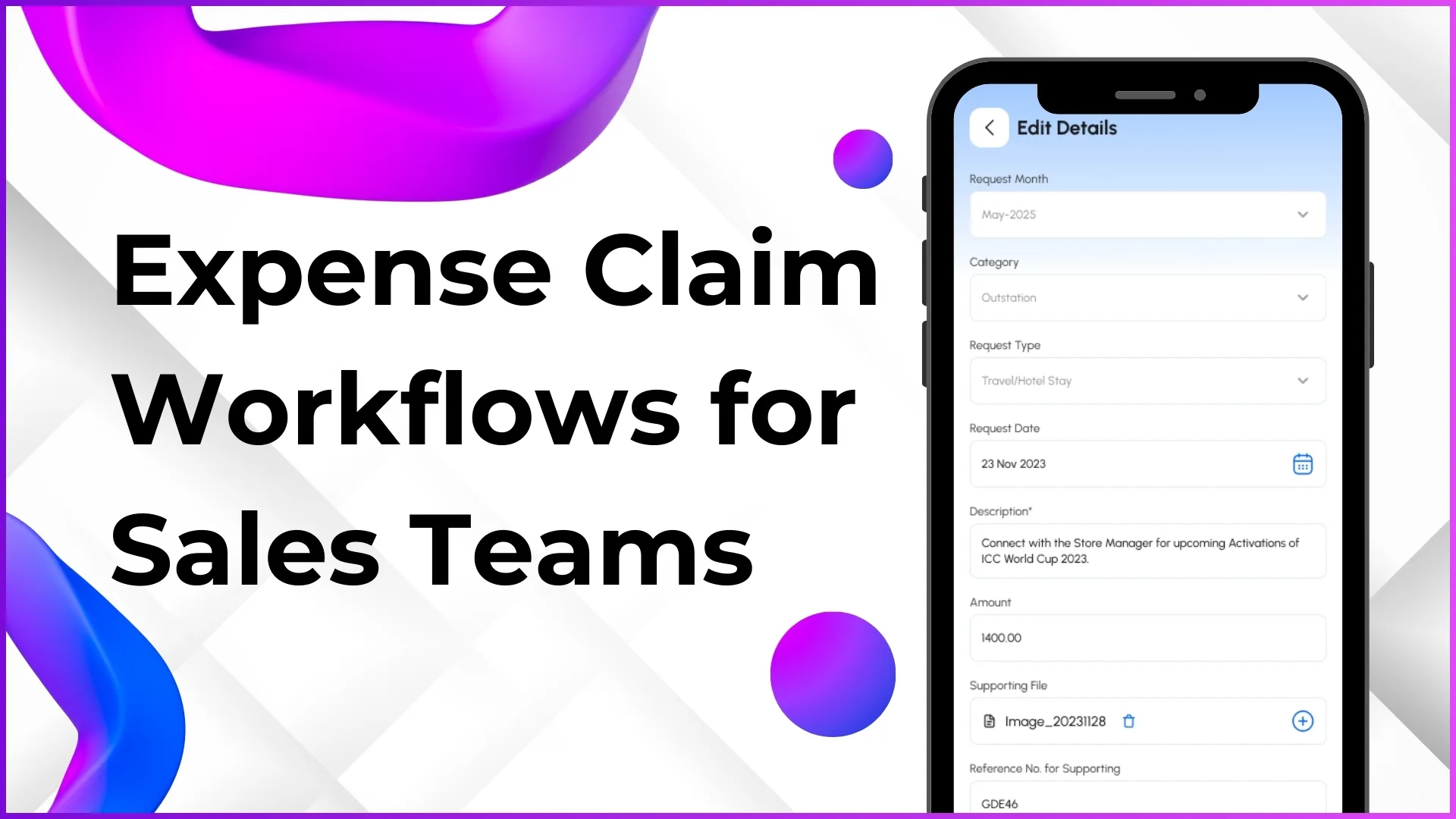
Employees submit claims from the mobile app with an auto-generated Request Code, Request Month, Date, and Requested Amount.
| Request Code | Requestor | Role | Request Date | Requested Amount |
|---|---|---|---|---|
| REQ-3301 | R. Kapoor | Field Executive | 24 Sep | ₹2,500 |
| REQ-3302 | S. Iyer | Field Executive | 24 Sep | ₹1,180 |
| REQ-3304 | A. Verma | ASM | 23 Sep | ₹620 |
Claims route to reporting heads automatically based on the Organization Tree hierarchy, visible in People Management → Approve Claims.
| Request Code | Requestor | Reporting Head | Amount | Action |
|---|---|---|---|---|
| REQ-3302 | S. Iyer | Ravi Menon | ₹1,180 | Awaiting Approval |
| REQ-3305 | P. Nair | Ravi Menon | ₹4,800 | Dual Approval |
| REQ-3301 | R. Kapoor | Ravi Menon | ₹2,500 | Approved |
Once approved, reimbursement moves into the disbursement queue automatically, no manual follow-up required.
| Request Code | Approved Amount | Disbursement | Status |
|---|---|---|---|
| REQ-3298 | ₹2,100 | Next Payroll Cycle | Processing |
| REQ-3295 | ₹1,950 | Bank Transfer | Disbursed |
| REQ-3301 | ₹2,500 | Next Payroll Cycle | Queued |
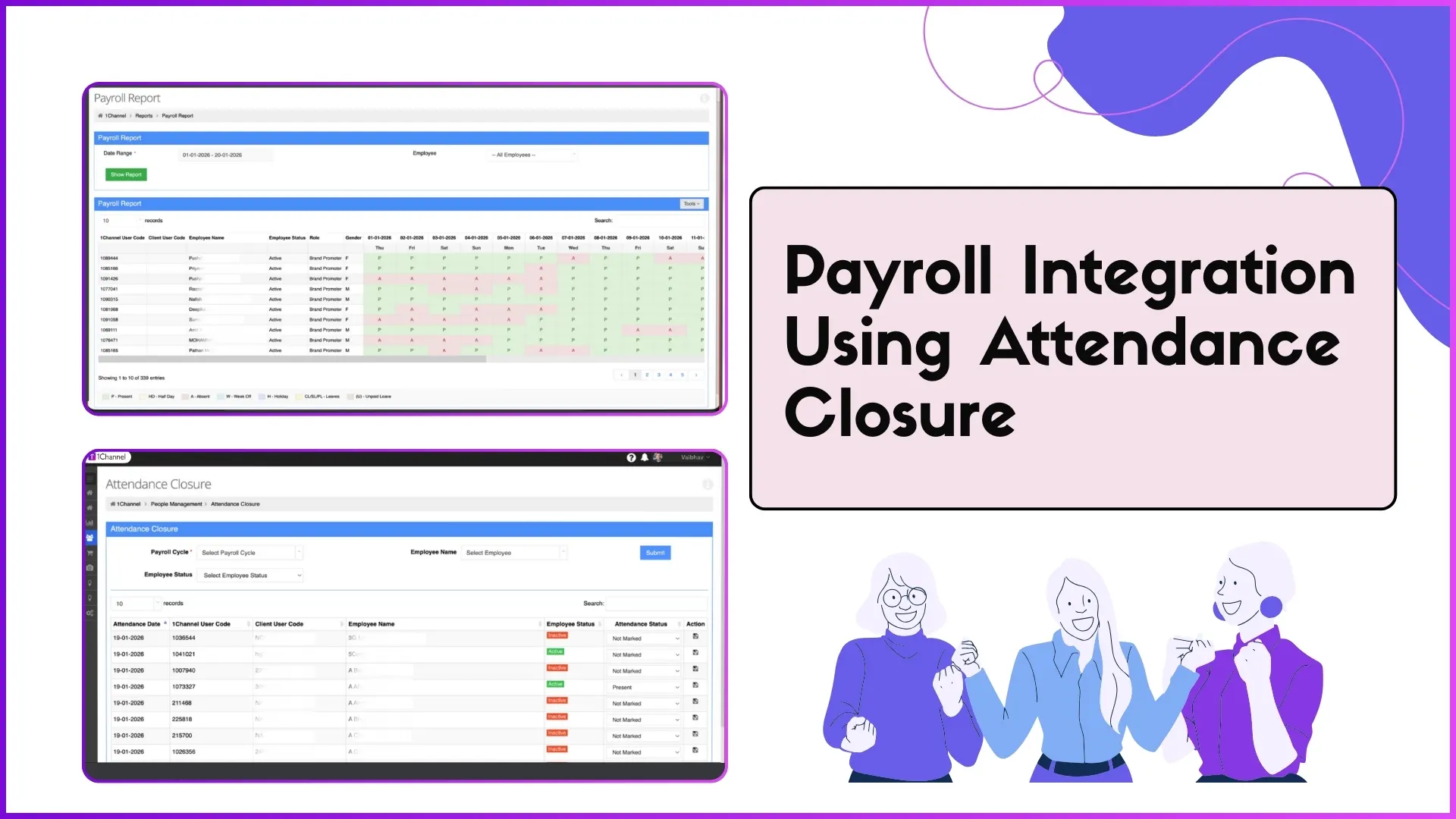
Approved reimbursements sync with the Attendance Closure system for salary processing, with taxable vs non-taxable classification for Form 16 reporting.
Expense breakdown by head, employee, department, and time period, exportable to Excel from the Report Catalog.
| Report | Filters | Action |
|---|---|---|
| Expense Head Breakdown | Head, Period | Export |
| Pending Approvals Report | Requestor, Date | Export |
| Reimbursement Status Report | Status, Period | Export |








From Claim to Payroll, One Connected Flow
Every expense stays traceable from the moment it's set up as policy to the moment it lands in payroll.
Expense Head & Policy Setup
Configured once per orgMobile Claim Submission
Request Code auto-generatedReceipt & Document Upload
Bills, invoices, fuel receiptsHierarchical Approval
Routed via Organization TreeReimbursement & Payroll Sync
Synced with Attendance ClosureBuilt for How Field Expense Claims Actually Move
Key features & benefits: drag or use the arrows to see all 12.
Mobile Claim Submission
Submit claims directly from the mobile app with Request Code, Request Month, Date, and Requested Amount. Offline drafts auto-sync when back online.
Expense Head Configuration
Create custom categories: Travel, Fuel, Meals, Accommodation, Communication, Daily Allowance, Client Entertainment, and more.
Claim Policy Management
Set claim limits, mandatory receipt thresholds, and single or multi-level approval rules per expense head.
Receipt & Document Upload
Attach bills, invoices, and receipts for verification; approvers see them directly in the approval screen.
Hierarchical Approval Workflow
Claims route automatically to reporting heads based on Organization Tree hierarchy, with one-click approve or reject.
Automated Reimbursement
Once approved, reimbursement is processed automatically, no manual follow-ups or payment tracking.
Real-Time Claim Tracking
Employees see live status (Submitted → Approved → Processing → Disbursed) in the mobile app.
Expense Reports & Analytics
Breakdown by expense head, employee, department, and period, downloadable in Excel from the Report Catalog.
Payroll Integration
Approved reimbursements sync with Attendance Closure for salary processing and Form 16 reconciliation.
Policy Compliance Validation
Claims validated against configured limits at submission, flagging violations before they reach an approver.
Multi-Level Approvals
High-value claims route to both reporting head and department head, with bulk approval for faster processing.
Enterprise-Grade Scalability
200,000+ users across 40+ countries, with complete onboarding, training, and ongoing support.
Where AI Actually Touches Your Expense Claims, Not Where We Wish It Did
We'd rather show exactly what the AI does than oversell it. Here's what's real today:
- 🧾OCR receipt scanningSnap a photo of the receipt and the system extracts the amount and vendor automatically, pre-filling the claim before submission.
- 💬AI Assistant, conversational expense queriesType or browse: "Show my pending claims", "What's my travel expense balance this month?" Available on web and mobile.
- ⚙️Rule-based approval routingClaims route automatically to the reporting head based on organization hierarchy, with configurable receipt and multi-level approval thresholds, not predictive guesswork.
Go Deeper Into Every Module
How a claim actually moves through the system, from policy setup to a payroll-ready reimbursement.
Expense Head & Claim Policy Setup
Admin creates custom expense categories from Settings → Expense Management → Expense Head, then configures limits and approval requirements per head from Manage Claim Policies. Expense heads become available in the mobile app as soon as they're created.
How It Works
- Create expense heads: Travel, Fuel, Meals, Accommodation, Communication, Daily Allowance
- Set a category code and whether receipt upload is mandatory or optional per head
- Configure maximum claim amount, approval level, and receipt threshold via Manage Claim Policies
- Claims are validated against these limits automatically at submission
Why It Matters
- Policy compliance by default, not by manual checking
- Consistent limits across every field team and territory
- One-time configuration that the mobile app reads automatically
| Expense Head | Max Amount | Receipt |
|---|---|---|
| Travel Expense | ₹5,000 / trip | Above ₹500 |
| Fuel & Vehicle | ₹2,000 / week | Mandatory |
Click a row: every field here is a real column from the actual claim policy screen.
Mobile Submission & Receipt Upload
Field employees submit claims directly from the mobile app with an auto-generated Request Code, then attach bills, invoices, and receipts through Document Management for verification.
Submission
- Auto-generated Request Code for every claim, for easy tracking
- Request Month, Request Date, expense head, and Requested Amount captured
- Offline drafts auto-sync once the device is back online
Receipts
- Attach JPG, PNG, or PDF bills, invoices, and fuel receipts
- Multiple receipts per claim for itemized verification
- Receipt thumbnails visible to the approver inside the approval screen
| Request Code | Expense Head | Amount |
|---|---|---|
| REQ-3301 | Travel Expense | ₹2,500 |
| REQ-3302 | Fuel & Vehicle | ₹1,180 |
Click a row: MTD claim totals roll up from entries exactly like this one.
Approval, Reimbursement & Payroll Integration
Claims route to the reporting head based on Organization Tree hierarchy via People Management → Approve Claims. Once approved, reimbursement moves automatically, syncing with Attendance Closure for payroll.
Approval
- Reporting-head routing follows the Organization Tree automatically
- Approver sees Request Code, Month, Date, Requestor, Role, and Requested Amount together
- High-value claims support dual approval: reporting head plus department head
Reimbursement & Payroll
- Reimbursement moves automatically once approved, no manual follow-up needed
- Syncs with Attendance Closure for salary disbursement
- Taxable vs non-taxable classification for Form 16 compliance
| Request Code | Reporting Head | Status |
|---|---|---|
| REQ-3302 | Ravi Menon | Awaiting |
| REQ-3301 | Ravi Menon | Approved |
Click a row: these are the real Approve Claims fields, not placeholders.
Real Apps, Real Reviews
Available on Google Play and the App Store: live listings, not screenshots.

1Channel



1Channel CRM

1Channel DMS

1View
Who Uses Expense Management Software?
Travel, fuel, and daily allowance claims for distributed promoters, with hierarchical approval and payroll sync.
Multi-store expense tracking for outlet managers covering client entertainment, communication, and accommodation claims.
Territory-wise expense claims for field sales teams, reimbursing trips sponsored by the company.
Doctor-visit expenses, sample distribution costs, and conference travel claims with receipt verification.
Site-visit expenses, client meeting costs, and vehicle maintenance claims with payroll integration.
Driver fuel expenses, toll charges, and loading costs with bulk reimbursement processing.
On-site service expenses, spare parts procurement, and transportation claims with instant mobile submission.
Field-visit expenses and marketing material costs with policy-based approval workflows.
Loved by Customers, Recognized by the Industry
"With 1Channel, we've achieved 100% digitisation in sales team movement, order management, and inventory visibility, transforming the way we operate. The most beautiful thing about 1Channel is its ability to be completely customised to meet our organisation's unique requirements."

"1Channel is one of the best CRM software for field teams. It helps us collect data from over 100 field salespeople across the Gulf region and send instant analytical reports. When we walk into the office in the morning, the automatic sales reports are already waiting in our mailbox."

"Thanks to 1Channel SFA tool, we have managed to automate our manual sales process across Asia and Australia into a mobility-based solution, with details of every account over the cloud. Key account managers can see results, any time, across the region."

"1Channel SFA tool has made a huge impact on our sales reports, making it easy to track number of customer visits with realistic numbers. The support has been excellent. I am glad to be working with the right partner who understands our requirements."

"Before 1Channel CRM software, we evaluated many sales CRM apps and choose them over the others for the innumerable configuration options that meet our business requirements. It is now very easy for us to manage field sales operations in a simple click."

Our recognitions constantly motivate us to push the envelope of excellence and empower our customers with winning ideas each day.










Expense & Claims Management Insights, Straight from the Field
Pricing
We understand that every organization has unique expense management requirements. Our Expense Management Software offers flexible pricing based on your selected features, user count, and deployment model.
Every plan includes secure cloud hosting, mobile apps for Android & iOS, and complete training & support at no additional cost.
Frequently Asked Questions
What Is Expense Management Software?▾
Why Is It Essential for Field Teams?▾
Can Expense Heads and Claim Policies Be Customized?▾
How Does Mobile Claim Submission Work?▾
How Does the Approval Workflow Work?▾
Can Employees Track Claim Status and Reimbursement?▾
How Long Is Implementation?▾
Other 1Channel Solutions for Sales Teams
Expense management doesn't work in isolation, here's what it connects to.